




 By Lou Farrell

Revolutionized is reader-supported. When you buy through links on our site, we may earn an affiliate commision. Learn more here.
Anyone who is even casually familiar with artificial intelligence and the latest related tools has likely heard of Veo 3. Even those who do not follow these technological developments regularly may have at least come across the name because of how often people discuss the product in news articles, on social media and in similar realms. What is Veo 3, and how can you try it?
Veo 3 is an AI-based video-generation tool from Google DeepMind. Although its earliest iterations primarily enabled video creation, later versions began offering opportunities for people to add audio context. This development meant they could create a prompt to make a video of two people talking and end up not only with the image of that happening but the audible dialogue to go along with it.
Users can even add sound effects or ambient background noises to their videos, making them more realistic. People who are familiar with large language models such as ChatGPT typically find that Veo 3 works similarly, as it responds to written instructions typed into user-facing text boxes.
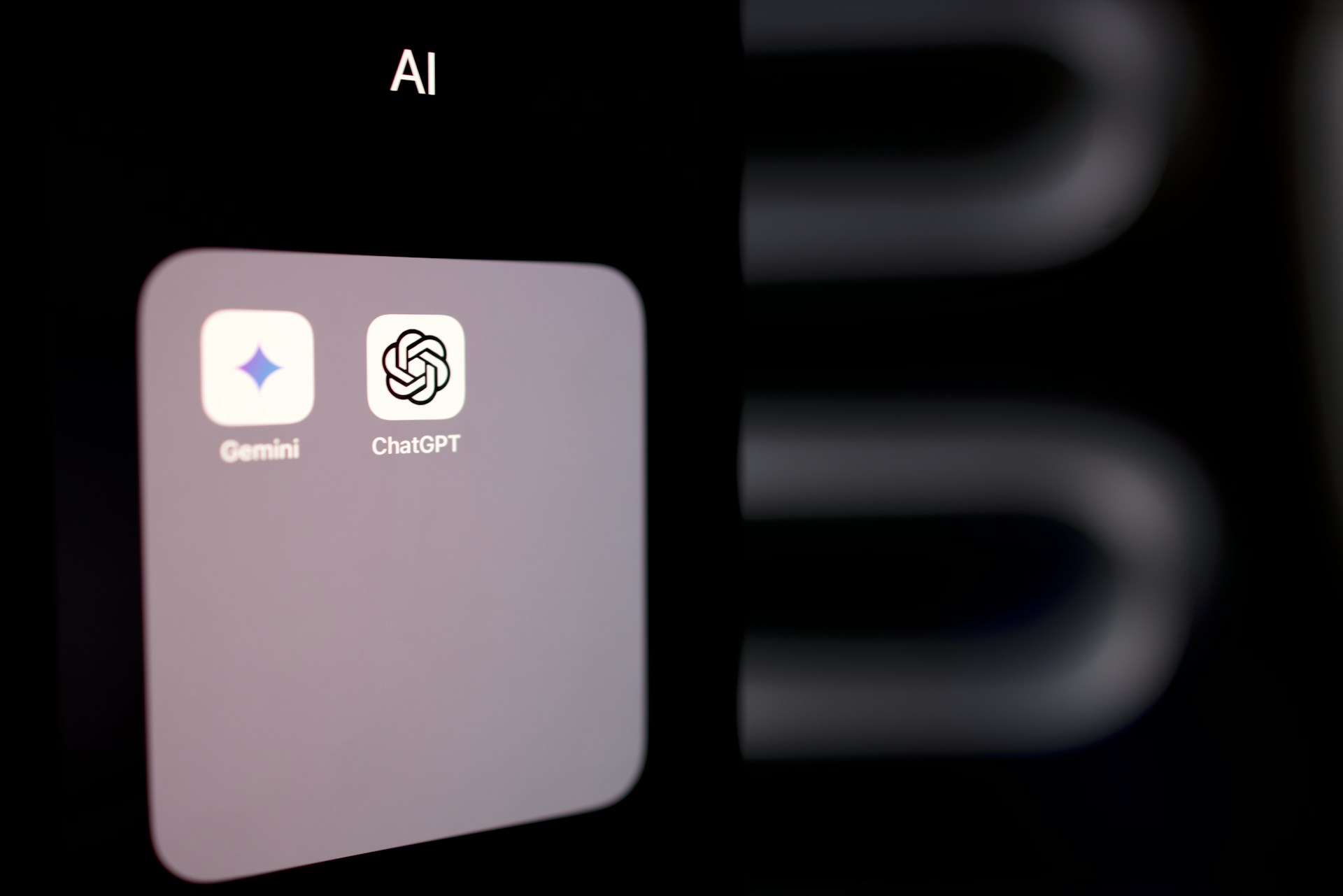
People who already use Google’s Gemini can access Veo 3 through it. Gemini offers a free tier, and many people find it suitable for handling some of the most basic tasks that people often offload to AI tools.
Alternatively, Google offers an AI product suite called Flow. Designed for the creative community, Flow offers numerous advanced tools, including Veo 3. Regardless of which one people use to access the video-generation model, the overall process is the same, and the easiest way to begin is to go to the Veo 3 homepage. From there, people can choose one of the two product links to go directly to the interface from either Flow or Gemini.
The official product documentation suggests that people will get the best results with highly detailed prompts rather than basic ones. Users can consider it a good time to sharpen their storytelling skills and aim to create rich mental pictures before formulating their prompts.
One reason some people consider Veo 3 an example of substantial progress in video generation is that it can do many of the things you would expect to see in a film clip. Most people have seen videos from earlier generations of AI tools and noticed that it was relatively easy to tell the content wasn’t genuine. Differentiating between real and AI is not as straightforward in this case.
That’s because of the wide range of things you can ask Veo 3 to do. For example, a prompt can include instructions to pan across the scene or show a low-angle view. People can similarly add details about the desired shot framing, putting themselves in the position of directors.
Veo 3 also responds to requests for specific styles. Whether people want to create cartoon creations or make it seem like the footage is from an old VHS tape, the tool can do both and much more.Not surprisingly, then, prompts should ideally include preferences for the video’s lighting, such as whether it should have the same intensity across the entire scene or needs a particular area spotlighted.
Google also has a detailed guide to how to prompt Veo 3. It explains, for example, that people will get more specific results by mentioning the age and finer characteristics of the individual in a video. Requesting a 25-year-old woman with long black hair, glasses and green eyes will cause better results than only asking for a woman with dark hair. Those particulars highlight why it is so important to go into great detail, even more so than a person might initially expect.
People learning to use Veo 3 should be aware that several built-in content filters may initially disrupt their creative flow. That’s because the development team has tried to prevent individuals from intentionally creating explicit content. That means the tool may initially restrict specific prompts, even if users did not intend to harm or exploit.
One person familiar with how the tool works suggests inserting simple swaps into prompts to avoid potential content flags. For example, the prompt could say “young person” rather than “child.” That change should presumably not trigger filters that stop users from making child sexual abuse material.
The rise in AI-generated videos has also led to another kind of harm, which is that some of the content may look so realistic that those looking at it cannot tell what’s real and what’s not. That is particularly problematic if the content appears to feature celebrities, politicians or other widely known individuals. Similarly, videos of fabricated natural disasters or other crises could give people incorrect perceptions of the scope of those events.
Those very real possibilities explain why Google has included another feature in Veo 3 to help people tell the difference. It is a tool that watermarks and identifies AI-generated content. One caveat is that humans cannot immediately detect that identifier. Instead, they need a tool called SynthID.
One ironic detail is that people can access SynthID through Gemini. That means they ask an AI-generated tool whether the content itself is AI-generated. Another shortcoming is that not enough people know about SynthID and how it works. At least until it becomes more mainstream, the concern is that many people may immediately believe what they see without question and never know how to check its authenticity.
Veo 3 is like many of Google’s other tools in that it receives periodic upgrades as technology improves. In January 2026, for example, the company announced that creating with the product had become even simpler because people can use reference images rather than making prompts from scratch.
Additionally, users can make the same character appear consistently across multiple scenes, making it easier to tell believable stories. The 3.1 version of Veo 3 also included improved upscaling, offering 1080p and 4K resolutions. These are just some of the examples of recent upgrades to the tool, but they give curious people a good idea of what to expect from future versions.
What is Veo 3 going to do for the creative process? That’s all up to users, and the answer will likely change as they become more familiar with the possibilities. Broadly speaking, people should take care not to unintentionally mislead others with what they create. Being transparent about the method used to make the content will prevent viewers from feeling fooled or believing that the video was captured from real life rather than generated with a carefully considered prompt.
Revolutionized is reader-supported. When you buy through links on our site, we may earn an affiliate commision. Learn more here.

This site uses Akismet to reduce spam. Learn how your comment data is processed.